
Paging groups
One-way overhead announcements to many phones at once.
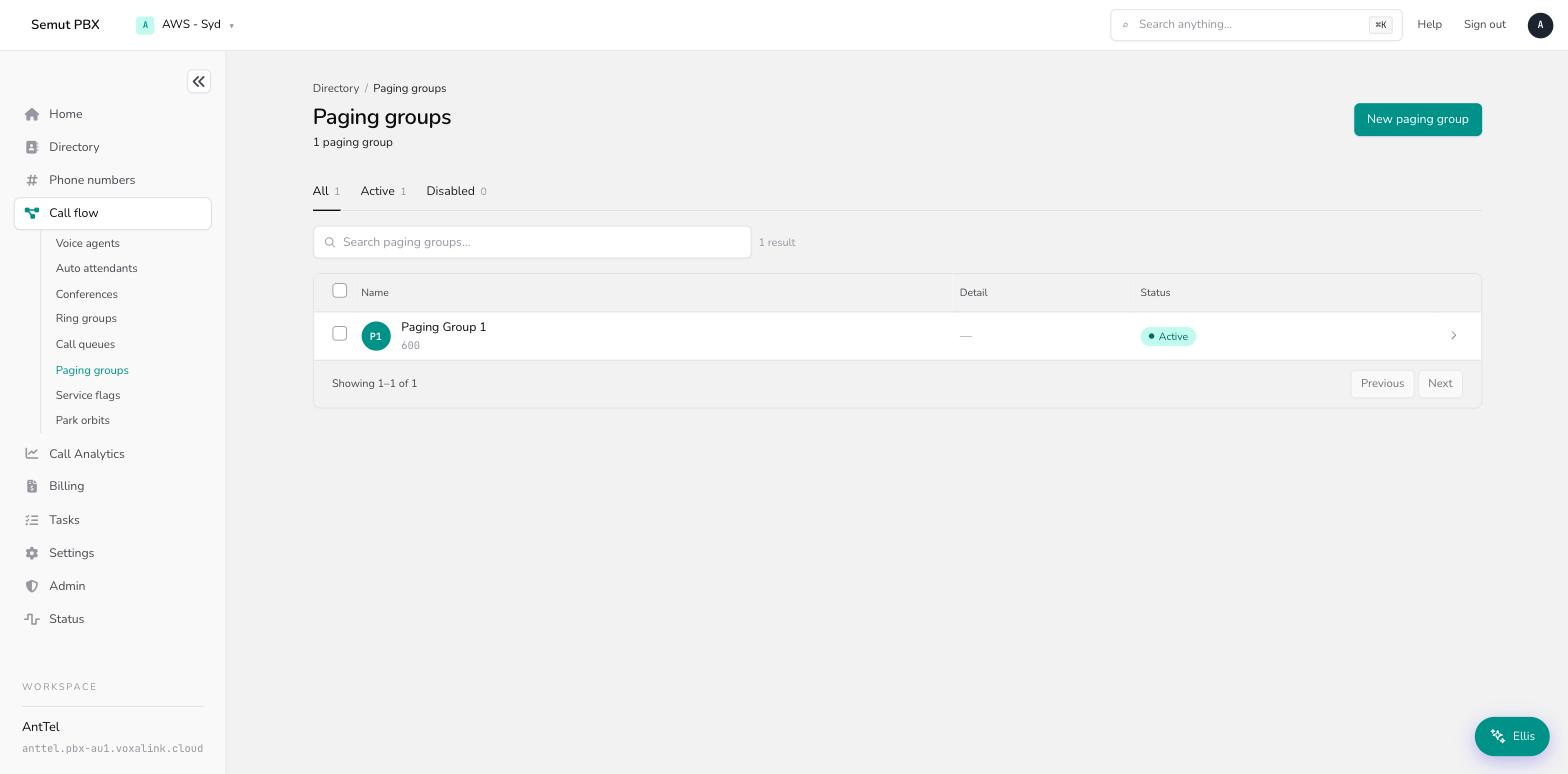
A paging group broadcasts a one-way announcement to every member phone at once — every phone auto-answers on speaker, and recipients can't talk back. Find them under Call flow → Paging groups.
Paging vs. ring group A ring group rings phones expecting someone to pick up and have a normal two-way call. A paging group forces every member phone to speaker immediately for a one-way broadcast — nobody needs to answer, and nobody can talk back. Reach for paging when you need to announce something to a room or a floor ("delivery at the front desk"); reach for a ring group (or a conference) for anything that should be a two-way conversation.
How a paging group works
Dialing the paging account number connects the caller and immediately puts every member phone on speaker — there's no ringing and no answering. The announcer talks, then hangs up to end the page (or it's cut off automatically by the maximum page duration).
Paging groups come in two streaming modes:
- Unicast (SIP) places an individual call to each member phone. It's simple and works over any network the PBX can reach, but it's more resource-intensive per member — keep unicast groups to a handful of extensions.
- Multicast sends a single audio stream to a broadcast address that phones listen for. It scales to large groups, but member phones must already be provisioned to listen on that multicast address, the caller-ID shown is just the group's name (not the real caller), and most phones can only listen to a handful of multicast addresses at once — coordinate multicast addresses across paging groups rather than assuming every phone can join all of them.
A paging group can also be triggered automatically — pairing a service flag with a paging group's Automatic page setting broadcasts a message whenever the flag changes state, with no one needing to dial in.
Creating a paging group
On the Call flow page (Routing & call handling), open the Paging groups card and choose New. Give it an account number and a name, then open it and work through the Edit tab.
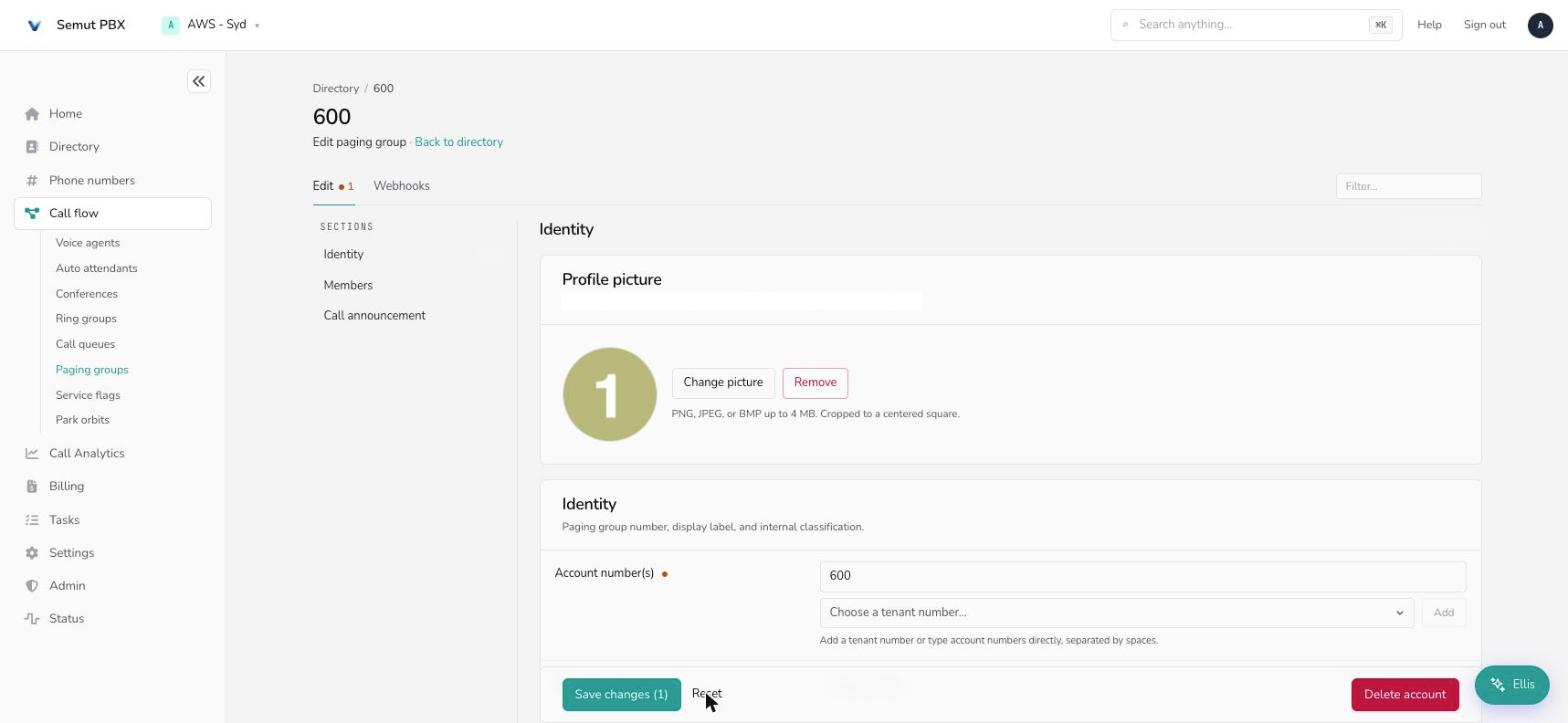
The Edit tab
Identity
- Account number(s) — the number(s) used to start a page.
- Display name / Short name — the full name (admin lists), and a short version for cramped phone soft-labels.
- Pronunciation — how text-to-speech should say the name.
- Note field — admin-only notes; the system ignores it.
Members
- Streaming mode — Unicast (SIP) or Multicast, described above.
- Destination — the member phones that receive the page.
- Show the caller-ID — whether the announcer's real number is shown, or just the group.
- Enable transfer into paging group — allow a live call to be transferred straight into a page.
- Play announcement tone — a short tone played to members before the announcer's audio starts.
- LAN paging, Multicast address, Codec — multicast-only settings: whether paging bypasses the PBX for local network delivery, the broadcast address, and the audio codec used.
- Playback method — Live playback (the announcer talks in real time), Play a recorded message, Play the associated WAV file, or Trigger playback of a pre-set message. Choosing Play the associated WAV file or Trigger playback reveals an upload widget for that audio file.
- Playback the page to the originator too — let the person who triggered a recorded page hear it as well. Only shown for recorded playback methods.
- Audio at page start / page end — optional lead-in and lead-out sounds.
- Maximum page duration — cap a page at a preset length (5 seconds up to 10 minutes), or leave at the default.
- Confirmation email address list — send an email when a page happens.
- Event for sending emails / Attach audio to email — whether the email fires at the start or end of the page, and whether to attach a recording of it. Only shown once an email address is set.
- Parameter 1 / 2 / 3 — free-form values available to integrations/webhooks for this account.
Call announcement
- Announce call only when account has no other call — skip announcing this page if the account is already mid-call.
- Content of announcement — what's spoken before the page: nothing identifying, the caller's ID, the number being called, both, or a specific audio file.
Webhooks
Paging groups carry lifecycle webhook fields (call started, connected, DND, emergency, mailbox, and hotel-specific room-cleaned events) for notifying an external system when a page happens — see the Webhooks tab.
A worked example — front-desk delivery announcements
A warehouse office wants the front desk to be able to announce deliveries to the whole floor without ringing anyone's phone.
- Create the paging group from Call flow → Paging groups → New as account
750. - Streaming mode → Unicast, since it's a single floor of a few dozen desk phones.
- Destination → every extension on the floor.
- Play announcement tone → on, so people know a page is starting before the announcer speaks.
- Maximum page duration → a short cap (say 30 seconds) so a phone accidentally left off-hook doesn't hold the line open.
- Front desk dials
750, waits for the tone, and announces the delivery — every floor phone is already on speaker, no one needs to pick up.
Everyday tasks
- Announce something to a room or floor without ringing phones → create a paging group and dial its number.
- Page a large area → use Multicast instead of Unicast, and confirm member phones are provisioned for the multicast address.
- Play a pre-recorded message instead of talking live → set Playback method to Play the associated WAV file or Trigger playback, and upload the audio.
- Trigger a page automatically on a schedule → pair the paging group's Automatic page setting with a service flag.
- Get an email record of pages → set a Confirmation email address list.
- Need people to actually answer and talk → use a ring group or conference instead.