
Conferences
Dial-in conference rooms with optional access codes and moderation.
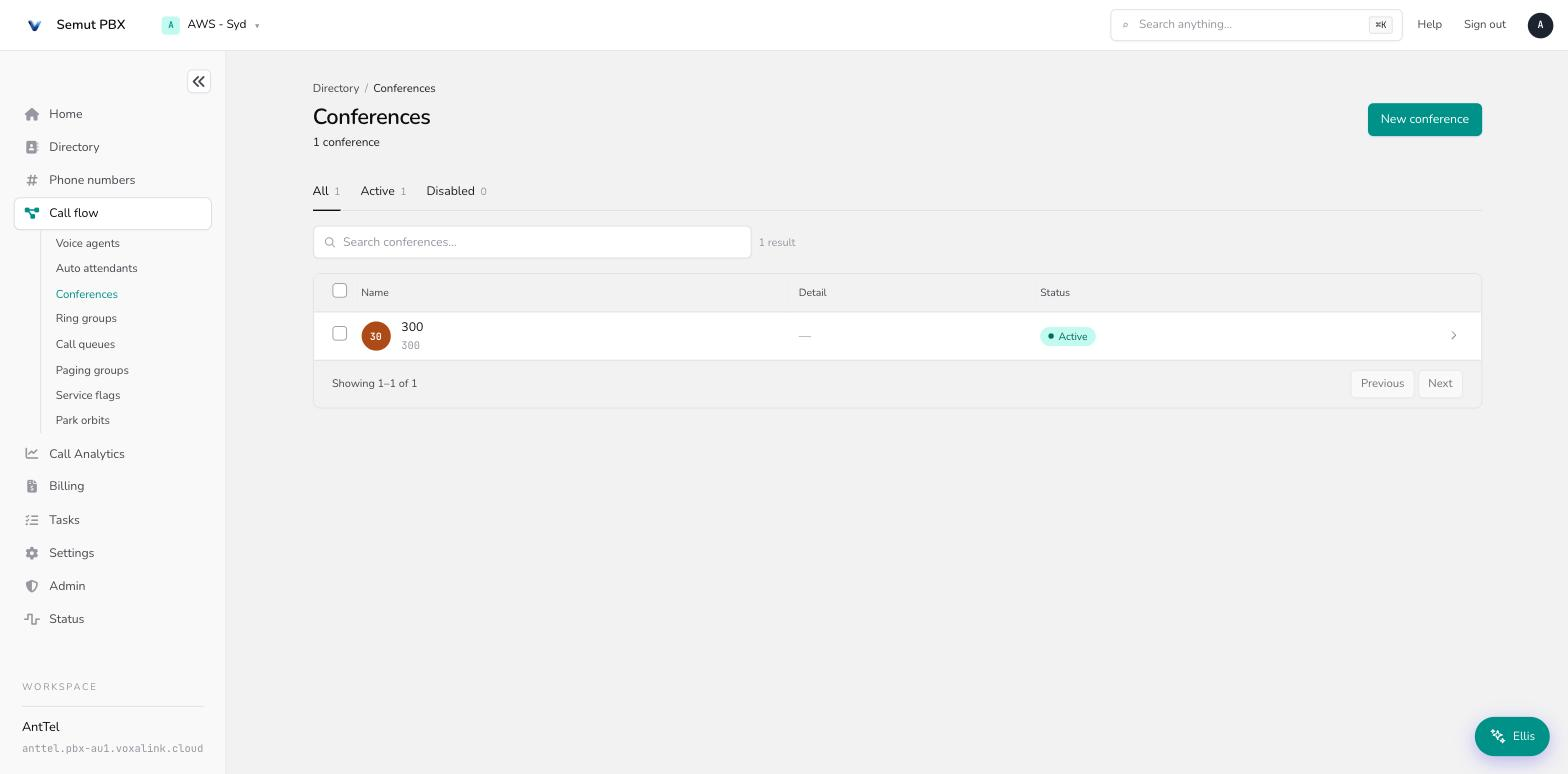
A conference is an ongoing, shared room that merges every participant into one call — unlike a normal call, it doesn't end when one person joins or leaves. Find them under Call flow → Conferences.
Conference vs. ring group A ring group connects one caller to one team member, and the call ends there. A conference is a persistent room: any number of people can dial in and out over time, and the room keeps going. For a quick 1:1 or 3-way call, just dial the other party (or use your phone's own conference button) — reach for a conference account when you need a standing meeting room people can be pointed at by number.
How a conference works
A conference runs in one of three modes:
- Ad-hoc — an always-on room. Anyone who dials the account number (and access code, if set) joins the same running conference.
- Scheduled — a time-boxed room, with a randomly-sized access code rather than a fixed PIN.
- Call participants when entering — the conference automatically dials a preset list of numbers and adds them once the first participant joins, instead of waiting for people to dial in.
Two access codes gate entry: a moderator code (full in-call controls) and a participant code (regular entry) — leave the participant code blank to allow anyone with the number to join unrestricted. A maximum number of participants caps how many people can be in the room at once.
Moderators get in-call controls via touch-tone (star codes), and the room's opening/closing behavior is configurable — for example, starting muted until a moderator arrives, or hanging up on everyone once the moderator leaves.
Creating a conference
On the Call flow page (Routing & call handling), open the Conferences card and choose New. Give it an account number and a name, then open it and work through the Edit tab.
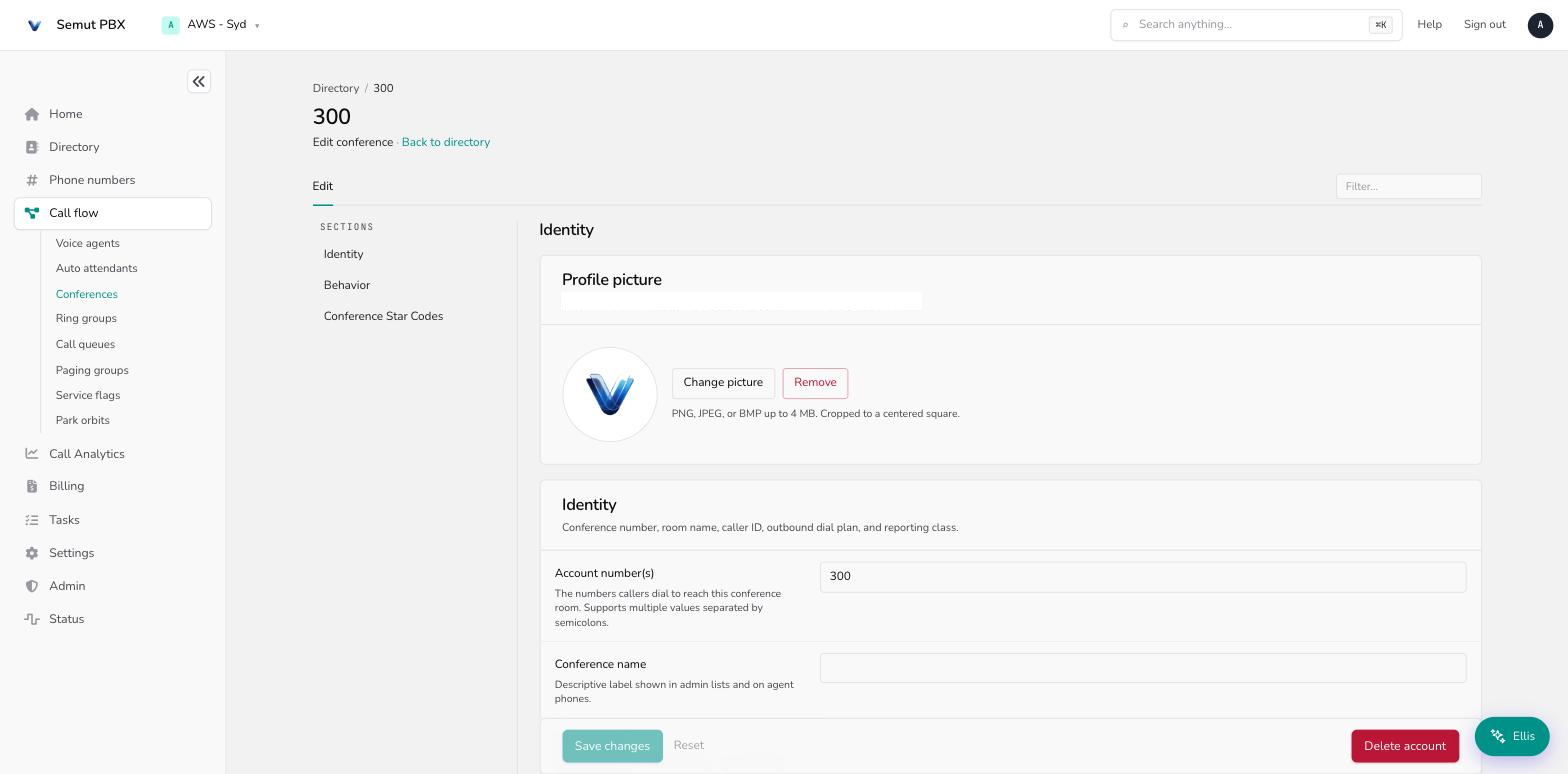
The Edit tab
Identity
- Account number(s) — the number(s) callers dial to join.
- Conference name / Short name — the full name (admin lists), and a short version for cramped phone soft-labels.
- Pronunciation — how text-to-speech should say the name.
- Note field — admin-only notes; the system ignores it.
- Caller ID — the outbound caller-ID shown if the conference ever routes a call externally.
- Dial plan for outbound calls — routing rules used for any external legs (defaults to the tenant's default plan).
- Account class name — an optional billing/reporting tag.
Behavior
- Mode — Ad-hoc, Scheduled, or Call participants when entering (see above).
- IVR language — the language used for the conference's own spoken prompts.
- Languages offered on start — a space-separated list of languages callers can choose between when they join.
- Before entering the conference — play a tone, ask the caller to record their name, or let them straight in with nothing.
- Moderator access code / Participant access code — the two entry codes described above. Hidden when the mode is Scheduled or Call-participants (those modes use a generated code or dial out automatically instead).
- Number of digits for access code — how long a generated access code is (4–9 digits). Only shown in Scheduled mode.
- Numbers to call when entering the conference — the list the system dials automatically. Only shown in Call-participants mode.
- Record the conference — whether the room is recorded. Hidden in Scheduled mode.
- Music on hold source — what a solo participant hears while waiting for others to join.
- Maximum number of participants — a hard cap: 2 up to 50 in preset steps, or left blank for unlimited.
- Entering conference — what happens as people join: let the room start without a moderator, mute everyone until a moderator arrives, or similar.
- Exiting conference — what happens when the moderator leaves: the room continues, everyone is muted, or the call ends for everyone.
Conference star codes
These touch-tone controls are fixed and available in every conference — there's nothing to configure, they're listed here for reference:
| Code | Action |
|---|---|
*0 | Send the participant list |
*1 | Mute yourself |
*2 | Unmute yourself |
*7 | Mute other participants |
*8 | Unmute other participants |
*9 | Hang up the conference |
A worked example — weekly team standup
A team wants a standing number anyone can dial into for their weekly meeting, with the room open only once someone from the team has arrived.
- Create the conference from Call flow → Conferences → New as account
800. - Mode → Ad-hoc, so the room is always available at that number.
- Participant access code → left blank so anyone with the number can join; Moderator access code set so team leads can dial in with full controls.
- Entering conference → mute everyone until a moderator has joined, so early arrivals aren't left listening to each other set up.
- Maximum number of participants → set to the team size, so the room can't be overloaded by a wrong-number caller looping back in.
Everyday tasks
- Give a team a standing meeting number → Call flow → Conferences → New, mode Ad-hoc.
- Run a one-off scheduled meeting with a fresh code each time → mode Scheduled.
- Have the system call everyone instead of waiting for them to dial in → mode Call participants when entering.
- Mute the room until a leader arrives → set Entering conference to mute-until-moderator.
- Cap how many people can join → set Maximum number of participants.
- Mute a noisy participant mid-call → moderator dials
*7to mute everyone else, or ask the participant to dial*1.